Editorial staff
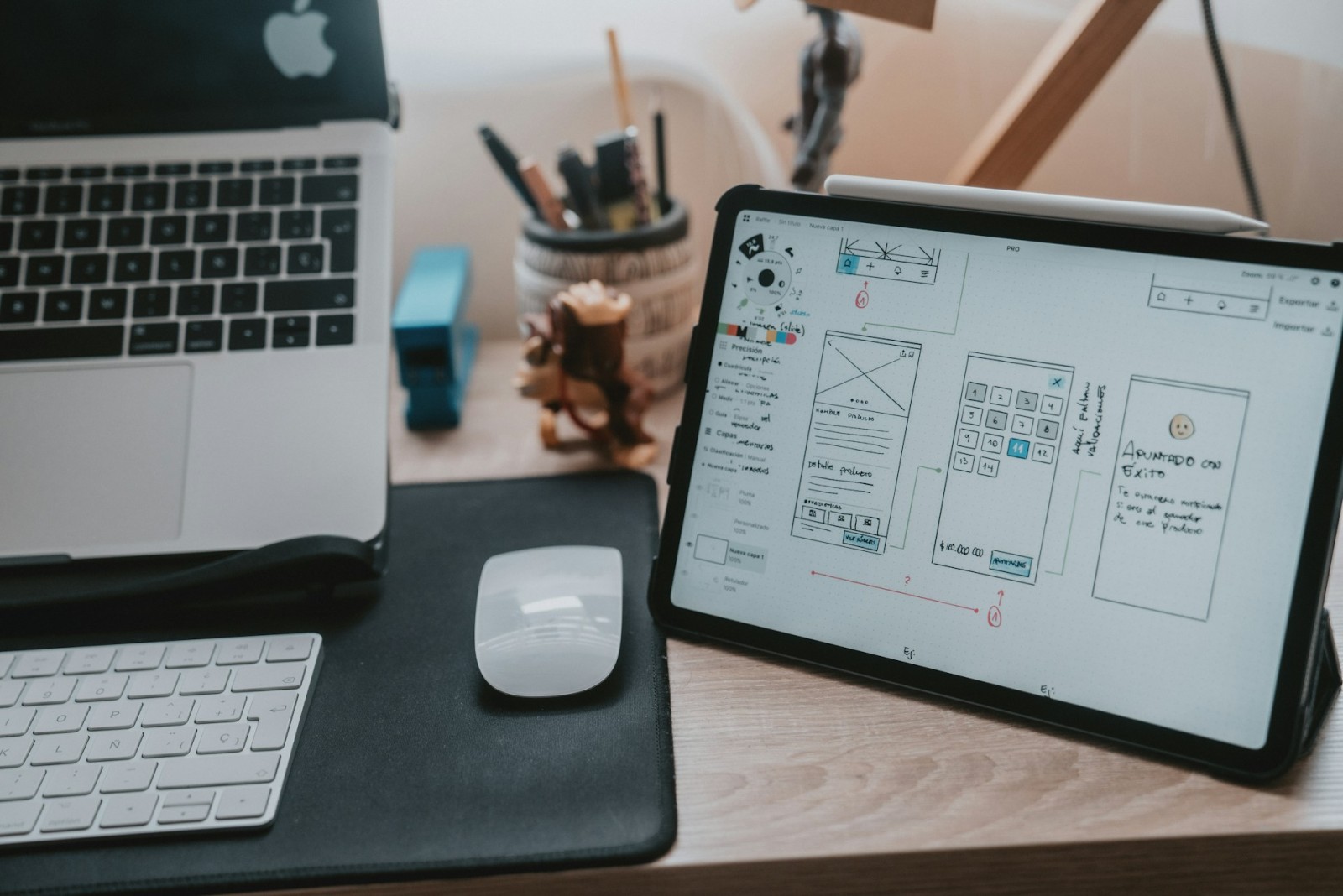
This is exactly where UI UX Design Services for Games become valuable, because clear interface structure and thoughtful user flow help translate mechanics into something readable, usable, and immediately playable. A good design layer does not simply decorate the screen. It teaches the rules of the game without turning every early moment into a lecture.
Mechanics Only Work When Players Can Read Them
A lot of studios spend huge effort on systems design, balance, and feature depth. Fair enough. Those things matter. Still, a mechanic is only as strong as its presentation. If a cooldown is hard to notice, if a resource meter feels vague, or if a menu hides important actions under three taps too many, the mechanic loses force. It may still function technically, but it stops feeling natural.
This is why UI and UX are not side concerns. They shape the first relationship between the player and the game. A clean interface helps the player notice patterns faster. A clear user flow reduces hesitation. Strong visual hierarchy tells the eye where to go before the brain has to work too hard. In games, that kind of clarity is not cosmetic. It is mechanical support.
When design fails here, even a clever system can look clumsy. That is the painful part. Players usually do not say, “the interface weakened the readability of the mechanic.” Players just say the game feels awkward, confusing, or not very fun. Same result, fewer polite words.
Faster Understanding Creates Better Retention
The early phase of play is fragile. A player is making silent judgments all the time. Does this feel intuitive? Is progress visible? Are the controls saying one thing while the screen says another? The answers arrive quickly, often before the first session properly settles in.
Good UI UX work reduces that early friction. It helps players understand the game loop sooner, and that matters more than many teams expect. People tend to stay longer when the rules start making sense early. Not because the game becomes simpler, but because the effort feels rewarded instead of wasted.
Early UI UX Wins That Help Mechanics Land Faster
- Clear visual priorities Important buttons, meters, and actions stand out without shouting.
- Cleaner onboarding flow The game explains itself through action, not endless interruption.
- Better feedback after input Taps, swipes, clicks, and choices produce readable responses.
- Less menu friction Navigation supports play instead of slowing it down.
These things sound small when listed like this. In practice, they decide whether the first ten minutes feel smooth or strangely tiring.
Interface Design Also Protects More Complex Systems
Simple games need clarity, but complex games need it even more. Once crafting, upgrades, multiple currencies, ability trees, or layered combat systems enter the picture, bad UI becomes expensive. Not just visually, but emotionally. The player starts spending energy on interpretation rather than decision-making.
This is where professional design support matters most. Complex systems need to be broken into understandable steps. Information needs pacing. The screen needs balance. Otherwise, the game may feel like it is hiding its own logic behind clutter.
Where Strong UI UX Design Services Make Complex Games Feel Lighter
- Readable progression systems Players can see what unlocks next and why it matters.
- Smarter use of screen space More information appears without turning the display into a wall of noise.
- Better consistency across features Menus, inventory, combat prompts, and rewards follow the same logic.
- More confident decision-makingPlayers act faster when the interface does not make every choice feel like homework.
That last point matters a lot. A game feels better when decisions come from interest, not from confusion management.
Good UI UX Is a Business Tool Too
There is also a practical side to all this. Faster understanding improves more than comfort. It can improve retention, session length, onboarding success, and even monetization flow in games that rely on long-term engagement. A player who understands the structure of the game is more likely to keep exploring it.
That does not mean UI UX should be manipulated. It means clarity supports trust. A readable store menu, a fair reward screen, or a clean event panel helps the whole product feel more intentional. When the interface feels messy, confidence drops. And once that happens, even strong content may struggle to recover attention.
Conclusion
UI UX design services help players understand game mechanics faster because they turn abstract systems into visible, usable experiences. They reduce hesitation, clarify action, and help the game teach itself through structure instead of noise.
A good mechanic does not deserve to be buried under weak presentation. In modern games, interface and experience design are not wrappers around the real product. They are part of the product. When that part is handled well, players stop fighting the screen and start engaging with the game itself. That is where real momentum begins.
 Editorial staff