Editorial staff
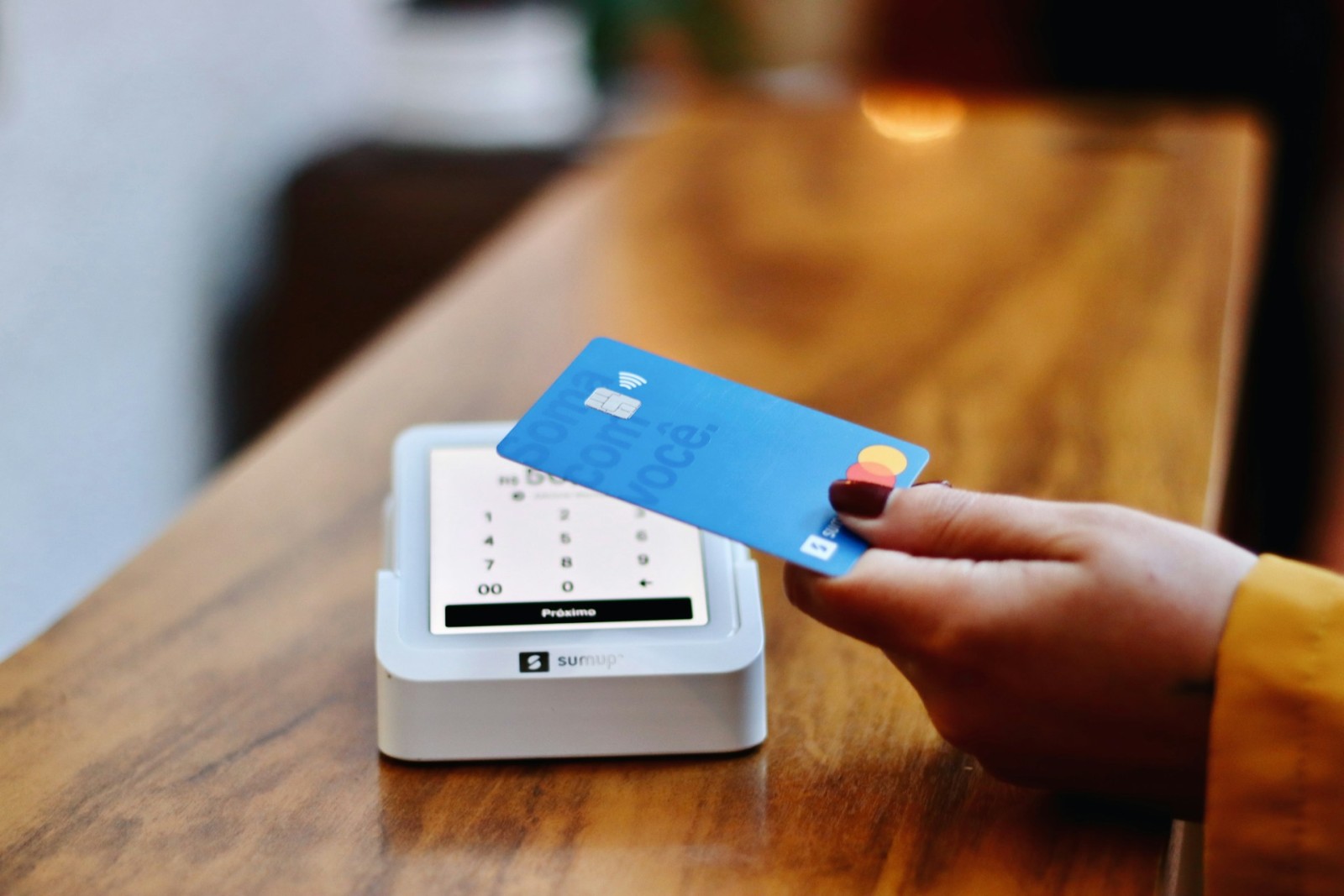
Whether you’re buying groceries through a local delivery app or ordering products from an international store, mobile devices have made transactions quick and convenient, especially when they’re linked to a credit card. Many people even save their credit card details in apps or browsers to make future purchases more seamless, cutting down the time spent entering payment information.
But this convenience comes with some real security threats. Credit card data can be stolen through scams, hacking, or even seemingly harmless habits that leave your information vulnerable. This makes it all the more important to take proactive steps in keeping your financial details safe. Let’s get into some practical tips that help you protect your credit card data, all so that you can enjoy mobile transactions while still keeping potential security risks in check:
1) Use Virtual Credit Cards Whenever Possible
Virtual credit cards provide an added layer of protection by generating a temporary card number that’s linked to your main account. This number can be used for online transactions without revealing your actual card details, making it significantly harder for fraudsters to misuse your account. In the Philippines, several banks and e-wallet services offer virtual card features for both debit and credit accounts.
The safest credit card offered by digital banks also comes with a dynamic CVV, which is a security code that changes periodically. This feature ensures that even if a hacker obtains your temporary card details, they won’t be able to use them without the latest CVV code. Virtual cards can also be set with spending limits and expiration dates, giving you more control over your finances. If compromised, you can quickly disable them without affecting your primary card.
2) Add an Extra Layer of Verification
Passwords alone are no longer enough to protect sensitive financial information. That’s why enabling two-factor authentication adds another layer of security by requiring a second form of verification, such as a one-time password (OTP) sent via SMS or a code generated by an authenticator app. This means that even if someone manages to steal your password, they would still need the second factor to access your account.
3) Keep Your Devices Secured
These days, your smartphone or tablet is effectively your wallet in digital form, so keeping it safe is as crucial as securing your physical wallet. Start by setting a strong passcode and enabling biometric authentication such as fingerprint scanning or facial recognition. These measures make it harder for unauthorized individuals to access your apps and stored information.
Additionally, avoid doing financial transactions while connected to public Wi-Fi networks, as these are often unsecured and susceptible to hacking. If you must access your accounts on public Wi-Fi, use a trusted Virtual Private Network (VPN) to encrypt your data.
4) Ensure You’re Using Trusted Apps
When installing banking or payment apps, always download them from official sources such as the Google Play Store or Apple App Store. Third-party sites or unofficial links could host counterfeit versions of apps designed to steal your data. Before downloading, check the app’s developer information and reviews to ensure it’s legitimate.
In the Philippines, scammers have also been known to create fake banking and e-wallet apps that look almost identical to real ones. These malicious apps can capture your login credentials and card information the moment you enter them. Knowing all that, stay vigilant and always double-check an app’s authenticity before installation.
5) Always Review and Monitor Your Transactions
Even with multiple layers of protection, it’s still possible for suspicious transactions to slip through. That’s why it’s important to set up real-time transaction alerts via SMS, email, or push notifications from your bank’s app. This way, you’ll immediately know if an unauthorized purchase has been made using your card.
Moreover, make it a habit to review your credit card statements regularly, not just at the end of the billing cycle. Early detection of fraudulent charges increases the likelihood that your bank can reverse them and prevent further misuse of your account. If you notice any irregular activity, contact your bank’s fraud department right away.
6) Avoid Storing Full Card Details in Unsecured Places
Saving your card number, expiry date, and CVV in unsecured locations such as your phone’s notes app, screenshots, or messaging apps is risky. If your phone is lost, stolen, or compromised by malware, these details can be easily accessed.
Instead, use secure password managers that encrypt sensitive information. Many of these tools also come with biometric access options, adding an extra layer of protection.
7) Be Cautious with Autofill Features
Autofill settings on browsers and payment apps can store your credit card details to make future transactions faster. While convenient, they can also pose a security risk if someone gains access to your device or if malware infiltrates your browser.
If you choose to use autofill, make sure it’s only on devices you own and control. Regularly review and clear saved payment information to reduce the risk of your details being retrieved without your consent.
Secure Your Data in a Tap-and-Go World Protecting your credit card data on mobile devices does not have to be complicated. Small, consistent habits can work in the background to keep your information safe. In a world where payments happen in seconds, taking a moment to secure your details is a small step that leads to long-term peace of mind.
 Editorial staff