Editorial staff
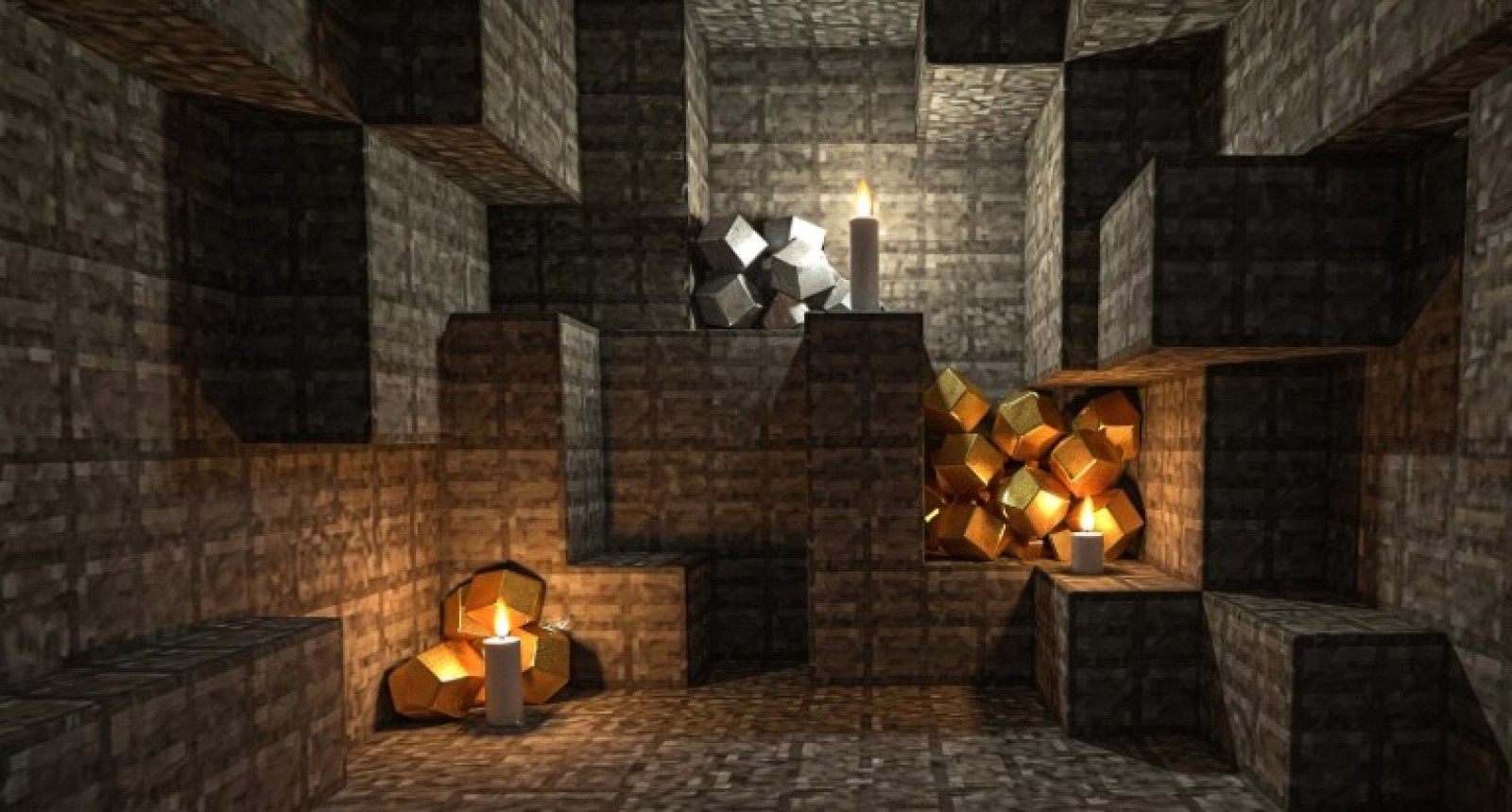
I’ll use “texture pack” as the main term here, though some players also say “resource pack.” You’ll see where a realistic minecraft texture pack makes sense, where vanilla-plus shines, and which lightweight choices help on Pocket Edition and other Minecraft Bedrock texture packs. If you want a clear starting point, skim the recommendations from this curated list.
Choosing the Best Minecraft Texture Pack for Your Setup
Pick texture packs by thinking about your device, platform, playstyle, and style preferences. Higher resolutions usually demand more power, while simple visuals tend to run smoother, especially on mobile hardware. Java players on PC often browse grouped collections by theme on pages like this curated overview. Bedrock and Pocket Edition players benefit from lighter packs because frame drops feel harsher on phones and tablets, particularly during combat modes such as Bedwars. If you want quick decisions, use this shortcut list:
- If you play Bedwars a lot, favor clean, low-resolution packs that keep enemies and blocks readable.
- If you spend time building or recording, realistic or themed packs from the curated list can make your worlds look more refined on capable hardware.
- If you're using a phone or tablet with Pocket Edition, choose lightweight alternatives. These are recommended for mobile devices to maintain reliable functioning.
- If you like survival with default gameplay, vanilla-style or vanilla-plus packs from the grouped themes page give a fresh look without changing how anything behaves. If you find yourself toggling between PvP and more laid-back play, consider installing a straightforward pack for Bedwars and a separate, more detailed one for those relaxed gaming sessions.
Best Realistic Minecraft Texture Packs (PC Focus)
Realism-focused texture packs boost Minecraft, leading it toward environments that are more lifelike and detailed, all without altering the basic gaming experience. These packs, as noted in the curated list's overview, occupy their own distinct category. Packs like ModernArch, Misa’s Realistic (High-Res), and Dramatic Skys are particularly noteworthy, highlighting both detail and atmosphere.
ModernArch showcases the high-end, with exceptionally detailed, modern-styled blocks. Within these blocks, you can observe intricate elements like bark cracks, growth rings, blades of grass, and even tiny pebbles nestled in gravel. Misa's Realistic (High-Res) focuses on darker, less saturated colors. This makes it easier to look at while keeping each block readable and still recognizable as Minecraft. However, it needs OptiFine to work fully. Dramatic Skies aims for the skybox, not the blocks, including realistic clouds, diverse lighting effects, and infrequent occurrences like auroras and meteor showers, all while remaining compatible with other packs.
Most players prioritize realism above everything else, often overlooking the performance implications until later. For running these worlds smoothly, the hosting provider I’ve used works great for survival servers, ensuring stable gameplay even with detailed packs. That's why I always suggest beginning with a single realistic pack, observing how your system responds.
Vanilla-Plus Packs: Cleaner Minecraft Without Sacrificing the Original Vibe
Vanilla-plus packs occupy a middle ground, straddling the line between hyper-realistic and ultra-simple aesthetics. They retain Minecraft's core identity, all while refining the rough edges or introducing subtle enhancements. According to the overview of this curated list, vanilla-improving packs adjust clarity, detail, or mob variety without discarding the core look players know. Stay True is a prime example of this method. It preserves the original palette and layout, while also softening some of the more rigid constraints, making the world feel a touch more organic. A key point highlighted in the Knowledge Base is how leaves stop looking like hard cubes, which gives forests a more open, less claustrophobic feel. The same source indicates that Stay True's changes are deliberately moderate. The game remains fundamentally vanilla, however it's been refined and subtly enhanced. Because the resource impact is deemed moderate and it's suggested for Pocket Edition, it functions as a low-risk visual upgrade on both mobile and desktop platforms. "Stay True gives my long survival worlds a softer, cleaner vibe while still feeling like plain Minecraft, which keeps viewers and friends comfortable."
Simple and Cartoon Packs for Clarity and PvP (Bedwars-Friendly)
For PvP gamers, clear images are analogous to a neat storefront: fewer clutter, quicker choices. You spot the block, you see the opponent, you respond. Packs designed with simple shapes and minimal detail are beneficial in this regard. Curated overviews spotlight Bare Bones, presented in cartoon and cute styles. Blocks employ a limited palette of bold colors, transforming the world into a flat, serene landscape. That minimalist aesthetic simplifies the reading of terrain and structures during Bedwars, particularly when swift calls are required for bridges or islands. Dig's Simple Pack takes a different turn. It preserves the familiar vanilla layout, but with softened textures, making everything feel lighter and softly animated. The same source points out its low complexity, making it a good fit for both Bedwars and Pocket Edition. This is convenient if you transition between desktop and mobile gaming. When every block is clear and basic, targets surface nearly instantly. Ultra-detailed textures might appear great in images, but I find I win more fights utilizing simple packs.
Best Minecraft Bedrock Texture Packs and Pocket Edition Picks
Bedrock gamers on phones and tablets suffer tougher hardware limits. Consequently, lightweight, efficient packs are necessary. This page features three Pocket Edition choices, each designed to give a blend of flair and increased performance on small devices. For optimal performance and server reliability while using these packs, many players turn to godlike for Minecraft hosting.
PureBDCraft gives the game a distinct comic book look, with visuals that lean into fantasy across blocks and mobs. Hostile creatures feel less scary, which might be a pleasant change during casual mobile play sessions. The pack still respects resource utilization on mobile devices, though.
Stay True meets the bill when you enjoy basic graphics but desire a bit of finesse. It preserves the original style while relaxing some of the rougher lines. The source emphasizes that its resource impact remains minimal, making it a gentle upgrade for Bedrock on mobile.
Dig's Simple Pack preserves classic layouts but with a softer touch, offering soft, minimalist textures. The Knowledge Base characterizes it as low complexity, legible, and ideal for both Pocket Edition and Bedwars, making it a perfect alternative for weaker phones, extended play sessions, or players who switch between mobile and desktop. Try each pack in your typical environment and observe the influence on your frame rate and battery life during ordinary gameplay.
Quick Decision Guide: What to Install First
Chances are, you've seen the standard fare: ultra-realistic setups on PC, mods that build on the base game, simple PvP arenas, and more accessible versions for Bedrock or Pocket Edition. A brief look at this curated list should clarify facts and resolutions before you install anything.
- Begin with ModernArch or Misa's Realistic if your computer can handle it and you're after a realistic look.
- Pick Stay True for survival when you want a familiar look, but with a soft gloss.
- For Bedwars, consider using Bare Bones or Dig's Simple Pack to enhance clarity and provide a mobile-friendly experience.
 Editorial staff